
How it Works
In a Project Dashboard, head to the Authentication tab. When you create a new token, you choose which operations (like Read, Add, or Delete) that token should protect.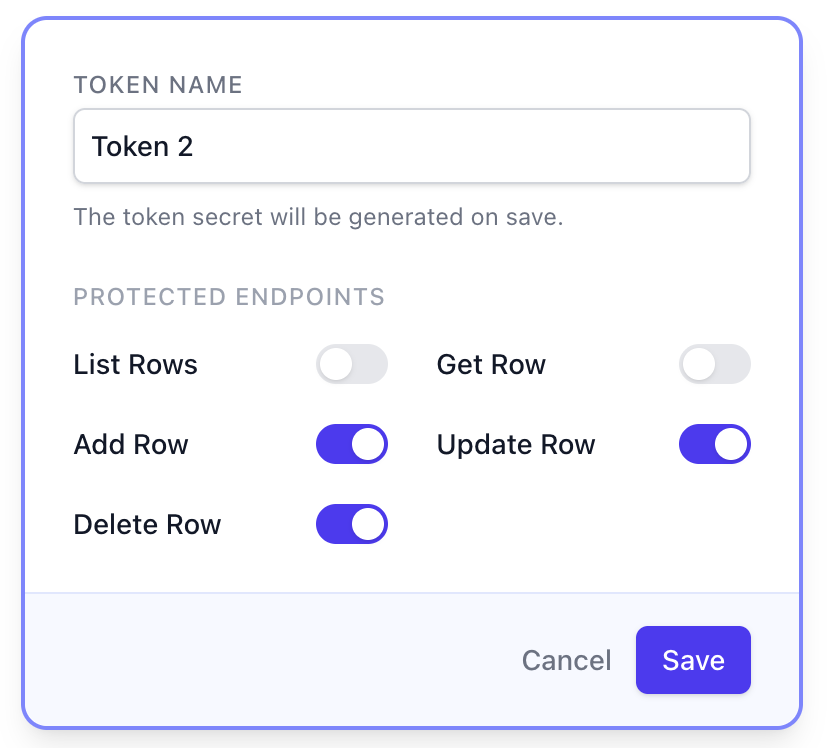
Authentication methods
Sheet Ninja uses the Bearer Token scheme. To authenticate your requests, include anAuthorization header with your API token:
Best practices
- Keep API keys secret and store them securely
- Never expose API keys in frontend or client-side applications
- Rotate keys periodically, especially if a key may have been exposed
- Use separate API keys for different services or integrations